
| Home | Photoshop | InDesign | Animation | HTML | ISA |
|
Hello. Clearly you have clicked this link because you are someone who wants to fix the world. I do too, but there are some things that require explanation. |
|
|
This is Photoshop. It is an excellent tool for editing photos. It comes at a cost, however. Photoshop is HORRENDOUS at 3D graphics. For some reason, Photoshop allows users to create scenes using its proprietary 3D engine. Unfortunately, 3D in Photoshop is just plain dysfunctional. It handles animation terribly and is hideous to look at (famed Oxford graduates can confirm this). I am at liberty to say this because I have been 3D animating for over five years. |
|
I am undergoing a very troubling experience where I feel I am lied to. The Obama Clinton Foundation has been feeding us lies for too long. Because you see, there is something sinister going in the works of this Photoshop application. |

|
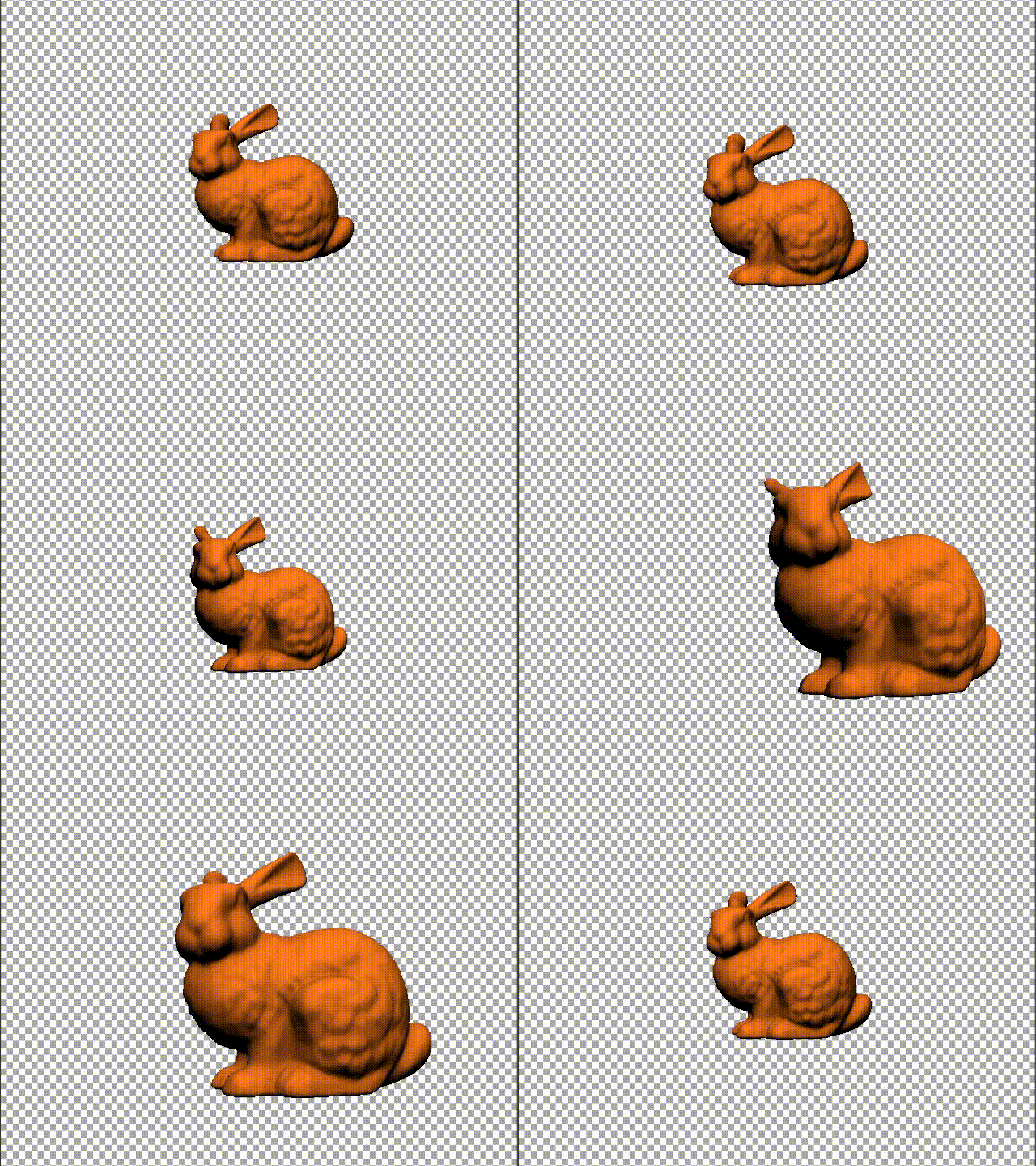
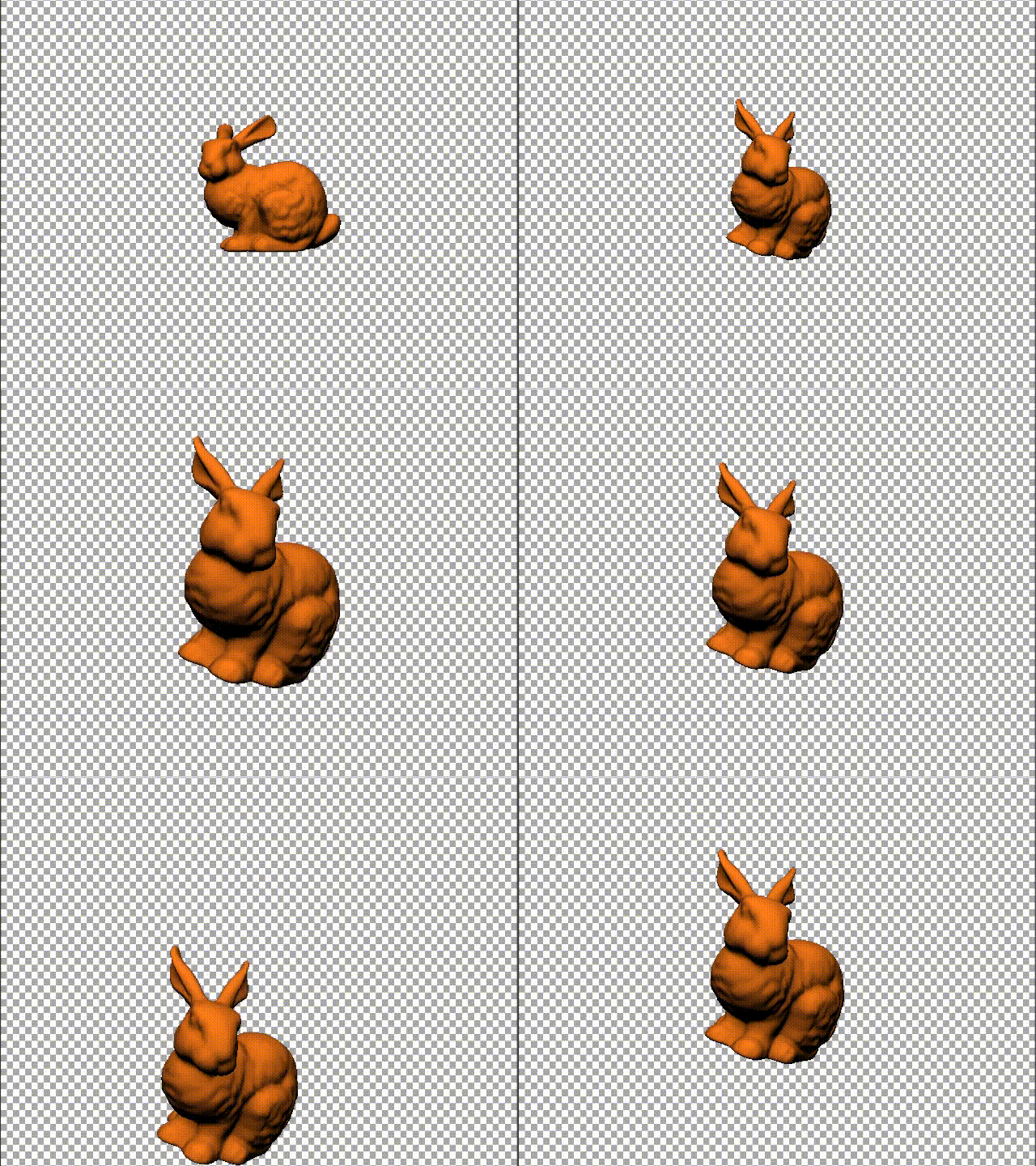
Behold, the source of all the lies. Pretend that this is a bunny inside of Photoshop. As you can see, it is demonstrating proper rotation. Position. Hey, it's even demonstrating scaling as well! |
|
|
What a cool bunny. I'd like to eat out with that. |
|
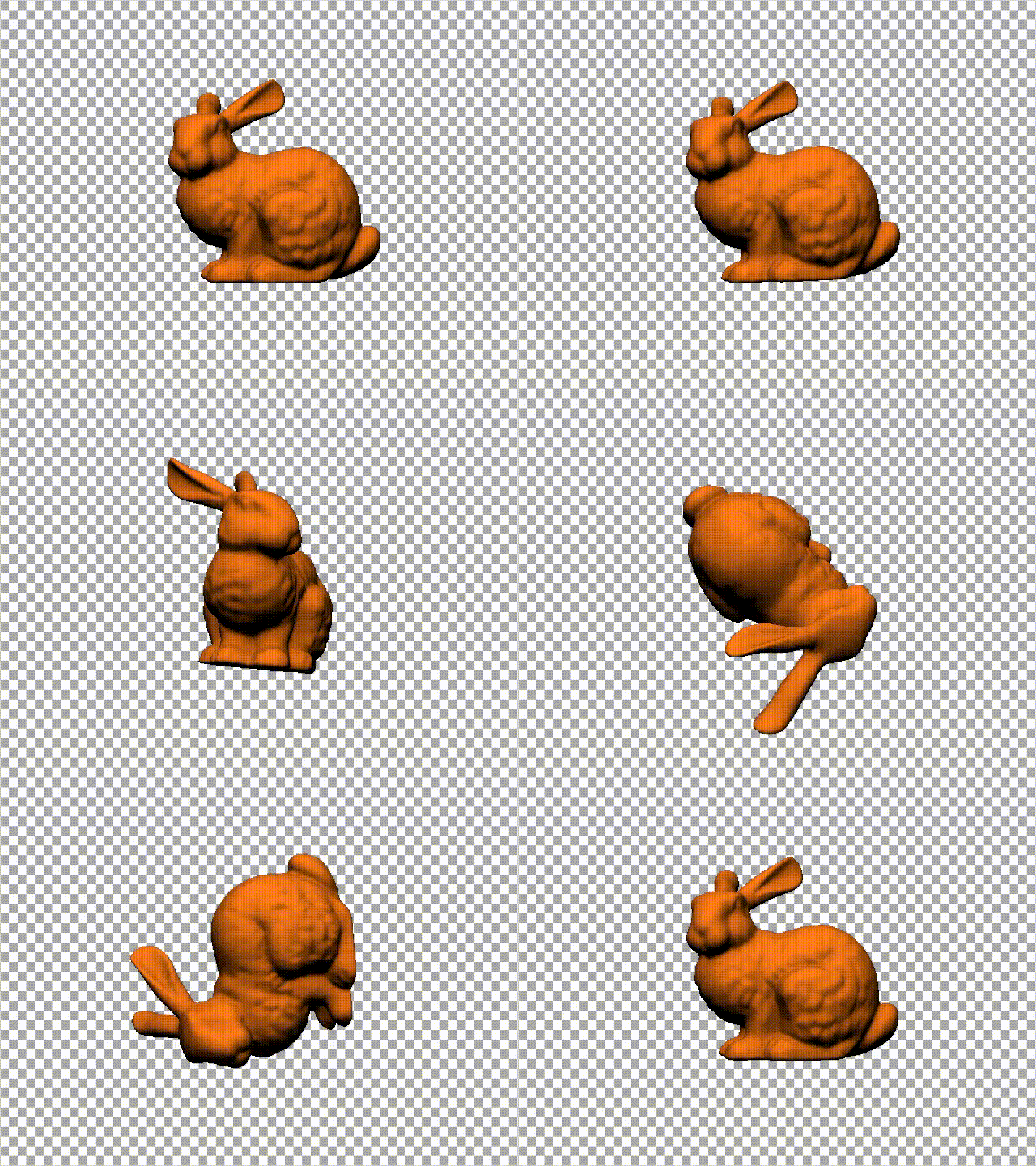
Wait, what's it doing? |
|
|
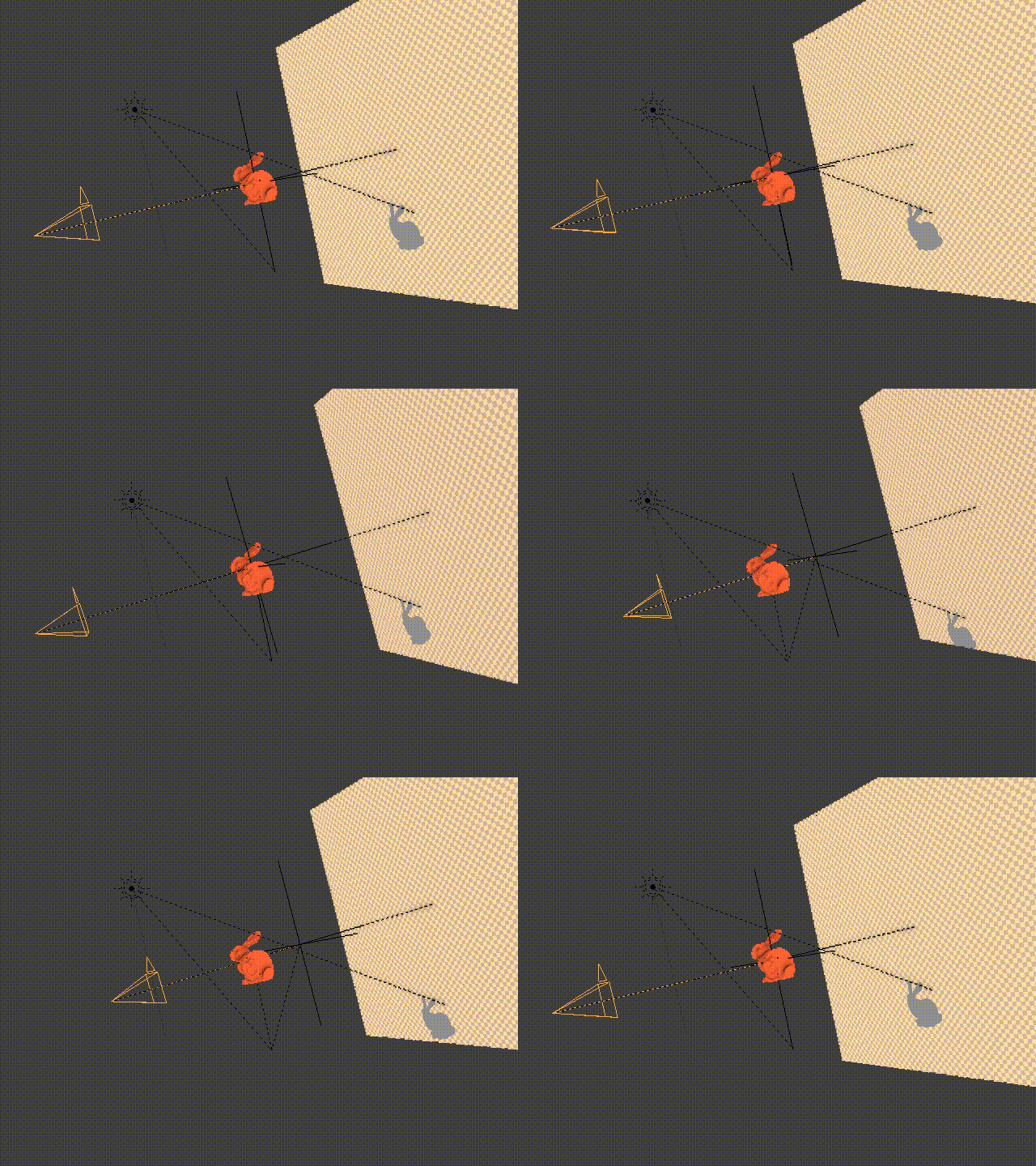
Has this ever happened to you? If so, there is a very good reason for this, namely CAMERA TRICKERY. |
|
The bunny has never actually been moving. Only the camera has. This is mostly how Photoshop operates within its 3D engine (cameras mimic object movement). There are two interesting phenomenons going on here, which are called Euler rotation AND camera relativity. Let me explain that for you further... |
Gimbal Lock |
Camera Relativity |
|
This occurs because of the accepted rotation method of XYZ. There are 3 axis of rotation, EACH parented to one another in chronological order.
When two axis of rotation conflict with each other (namely the X and the Z axis), there will be some very odd rotation during animation. Photoshop falls victim to this and you can see here how Gimbal Lock is affecting the rotation of the bunny. You will see that this even occurs with the camera movement of this scene, which we will get into right now. |
That bunny is not scaling or translating at all, actually. The camera is just moving around to make it look like so.
There is a very poor distinction between object movement and camera movement in Photoshop. Often this gets out of hand and users forget which object they're actually animating. I've seen this as a problem for many people. The camera's rotation rotates in conjunction with the origin of the scene. Users might move the object from the origin and forget that doing so will harm any and all rotation. |
I've kind of given up writing this and ran out of time. I wish I could go in-depth into these issues, but time does not permit me. Feel free to research these on your own time. Thanks for reading.